How to reset your password ScrapeHero Cloud ?
If you've forgotten your password for ScrapeHero Cloud, follow these steps to reset it:
1. Go to ScrapeHero Cloud.
2. Click the "Forgot Password" link on the login page.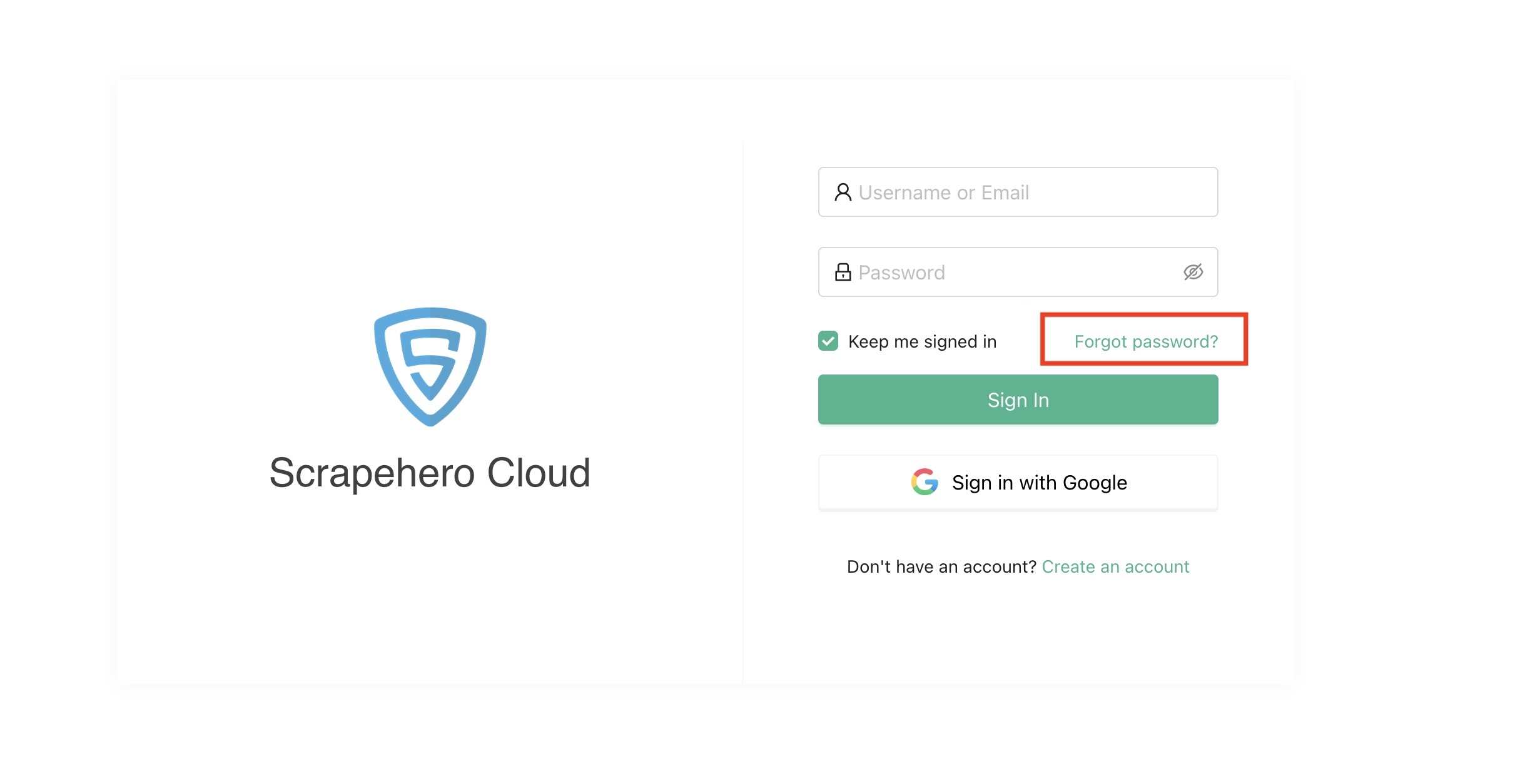
3. Enter your account email address in the provided field.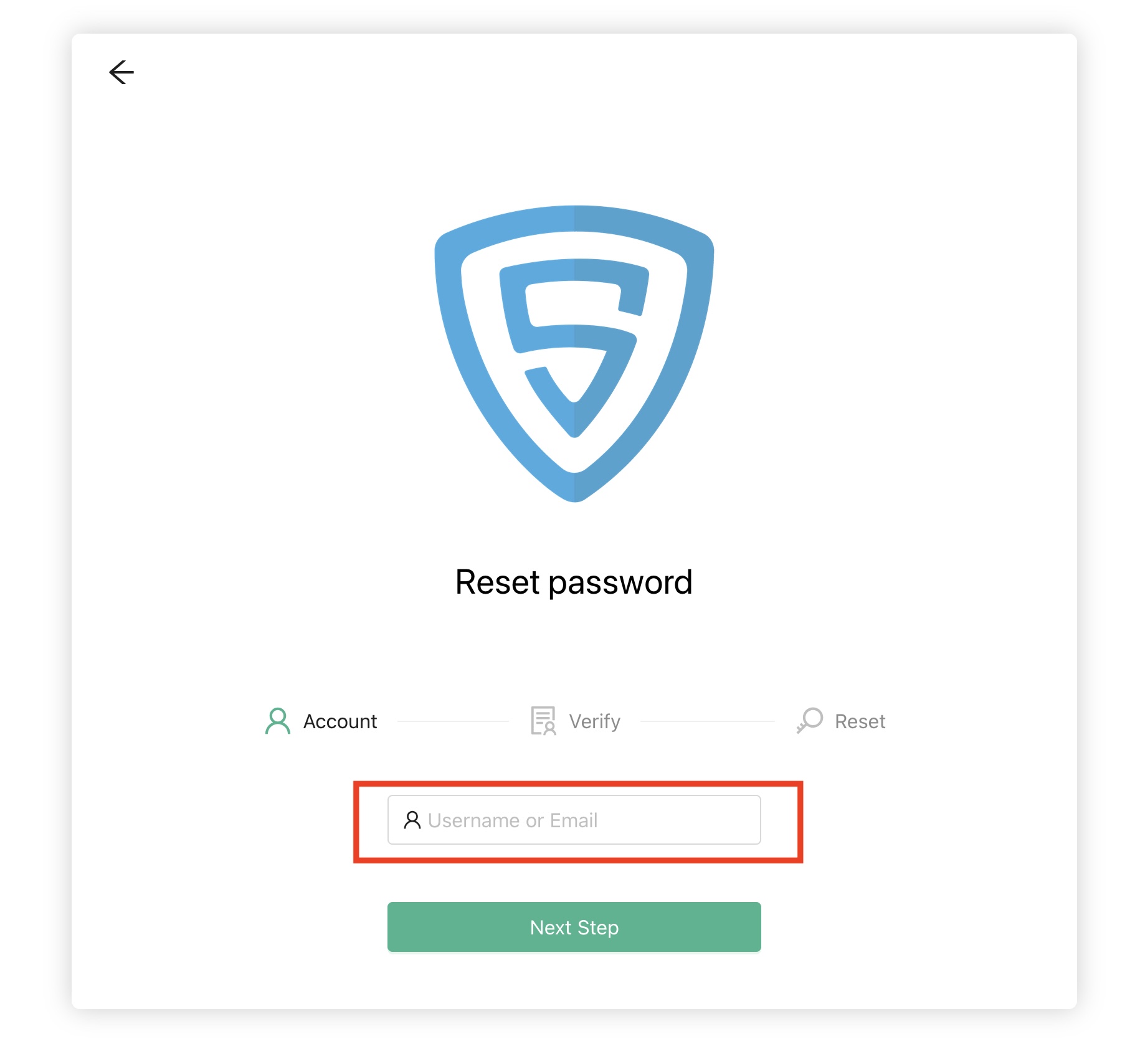
4. Click the "Send Code" button.
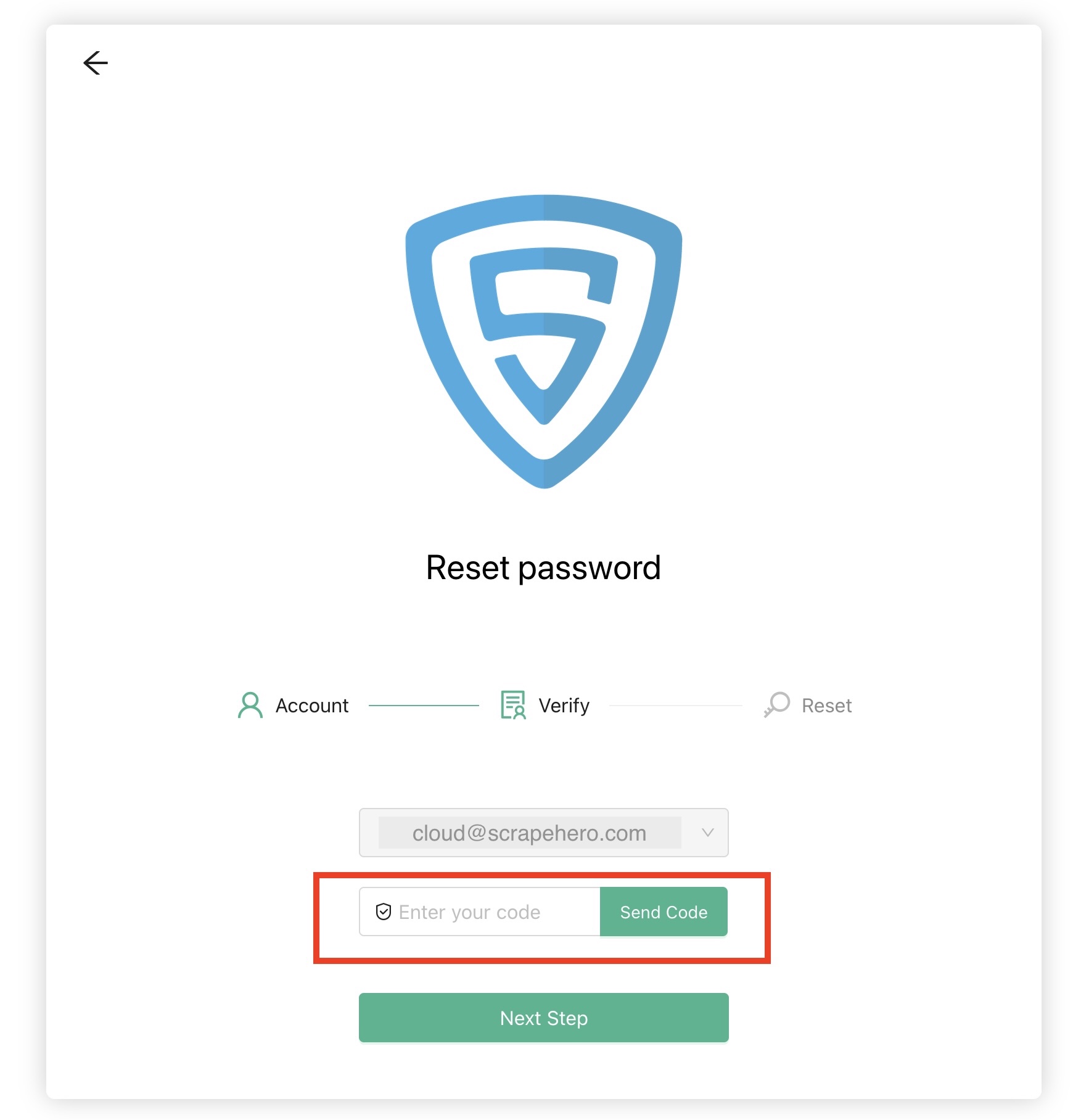
5. Complete the CAPTCHA verification if prompted.
6. Check your email for a message containing a password verification code.
7. Enter the verification code you received via email.
8. Create and confirm a new password .
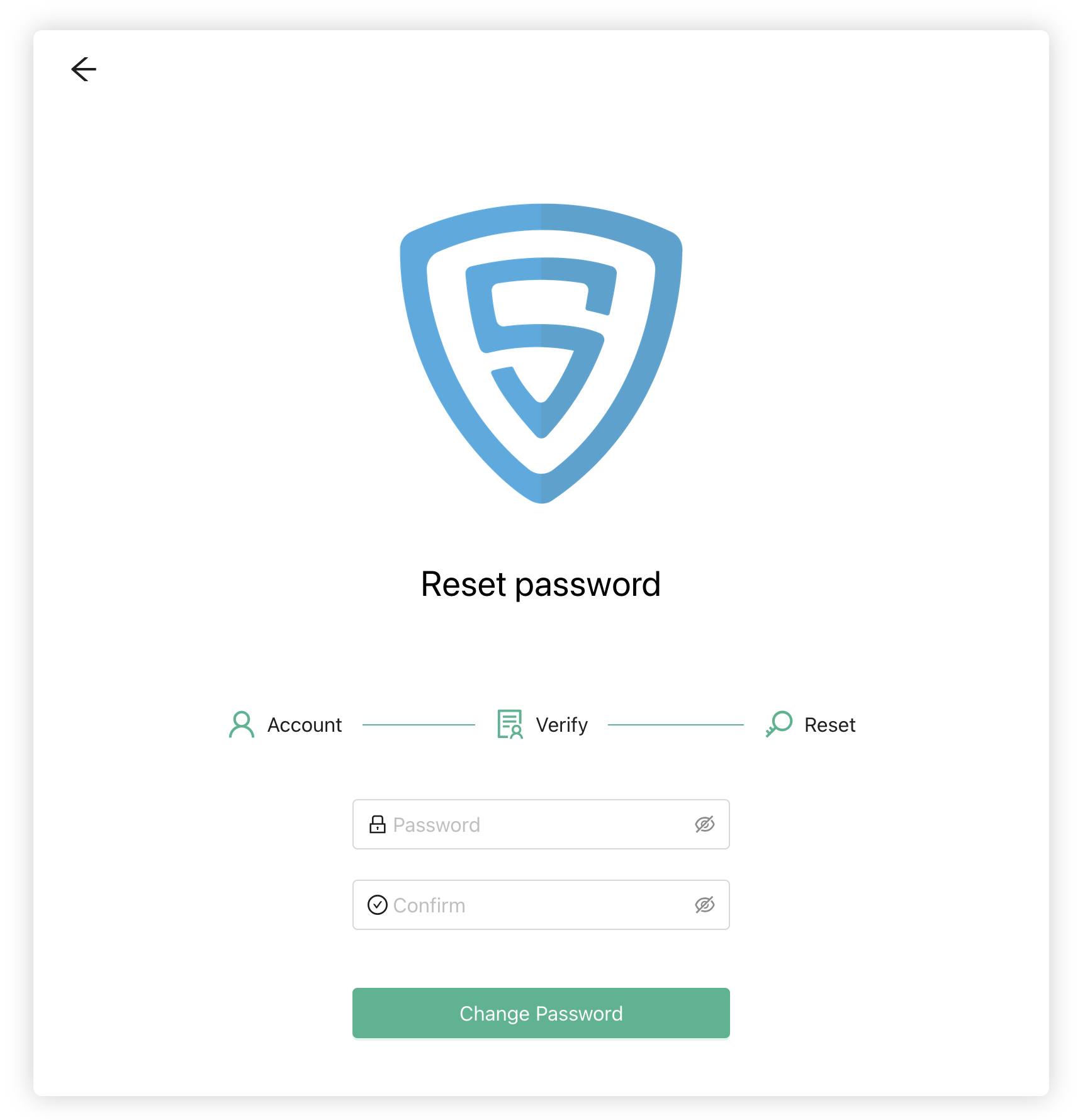
9. Click "Change Password" to save your new password.
10. Log in to your account using your email address and new password.
Tips for resetting password
- Check your spam or junk folder if you don't see the verification code email in your inbox.
- If you don't receive the verification code within a few minutes, you can request a new one by starting the process again.
If you encounter any issues during the password recovery process, contact ScrapeHero Cloud support for assistance.
1. Go to ScrapeHero Cloud.
2. Click the "Forgot Password" link on the login page.
3. Enter your account email address in the provided field.
4. Click the "Send Code" button.
6. Check your email for a message containing a password verification code.
7. Enter the verification code you received via email.
8. Create and confirm a new password .
9. Click "Change Password" to save your new password.
10. Log in to your account using your email address and new password.
Tips for resetting password
- Check your spam or junk folder if you don't see the verification code email in your inbox.
- If you don't receive the verification code within a few minutes, you can request a new one by starting the process again.
If you encounter any issues during the password recovery process, contact ScrapeHero Cloud support for assistance.